
Release Notes: Save Time with Project Templates
We are optimizing your workflow! This update significantly reduces manual routine tasks, upgrades our
visual design tools, and ensures full compliance with the latest technical standards.
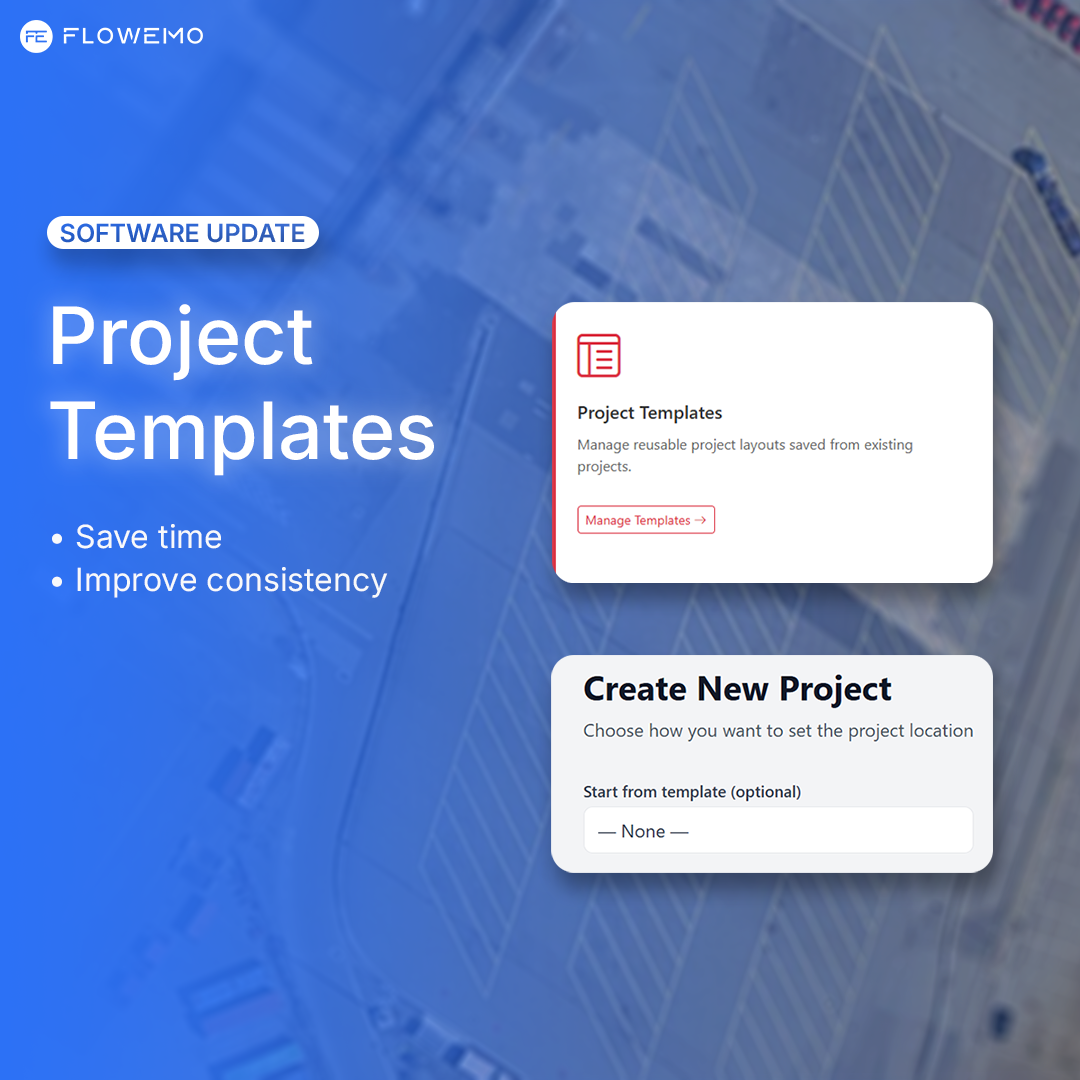
Main Focus: Project Templates
The ultimate time-saving feature has landed in FlowEmo. You no longer need to start from scratch
or manually configure the same basic parameters for every new project:
Quick Start: Save your favorite project setup as a template and reuse it with a single click.
Consistency: Build standardized templates for your team to ensure everyone designs with the same
high quality.
Efficiency: Skip the initial configuration steps and jump straight into the core task.
Advanced Visualization & Groups
The visual layer has received a major upgrade for more accurate site designs:
Visual Groups: Place pre-configured element blocks (e.g., parking bays or trees) directly onto the map all
at once.
Save Custom Groups: Save your own element combinations for fast reuse across any project.
Geometric Freedom: New tools for Free Draw (freehand drawing) and precise Point-to-Point line routing.
KMZ Export (Google Maps / Earth)
Easily export your project as a KMZ file for quick sharing. This allows colleagues and clients to inspect and
showcase your FlowEmo data directly in Google Maps or Google Earth.
Measuring Points
Place dedicated, precise measuring points in your project environment. This ensures much more accurate
distance calculations and stronger documentation for quality assurance.
HD 60364 Updates
The software has been updated according to current regulations. This release includes important
improvements for compliance with the HD 60364 standard, including optimized handling of electrical
circuits.
Early Access: Cable Wizard
Get a head start and test our upcoming feature before everyone else. Simply add &cable_wizard=1 to the
end of your project's URL to activate it. We look forward to your feedback!
Questions about the new templates? Contact our support team. Happy designing!