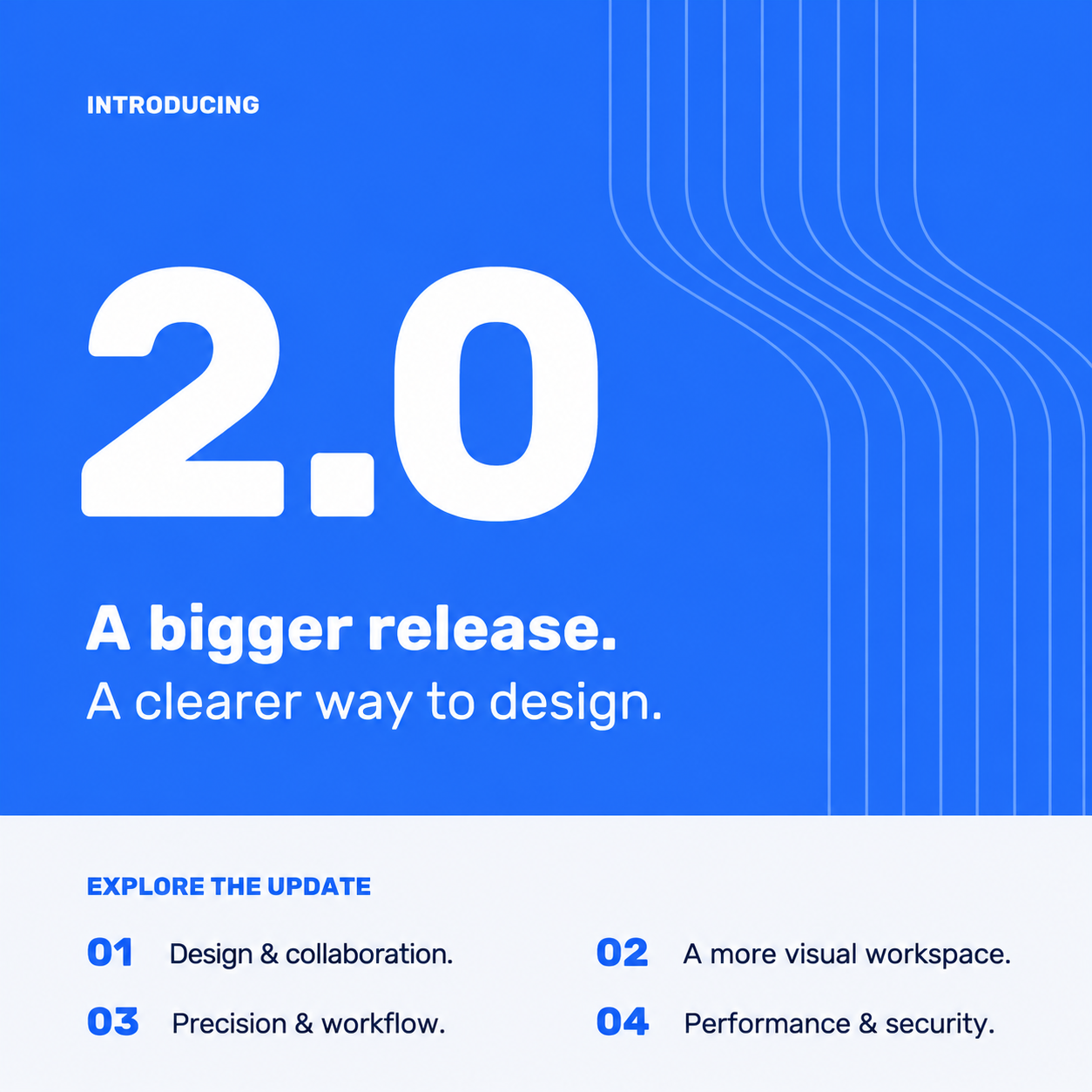
Introducing FlowEmo 2.0 – A Bigger Release, A Clearer Way to Design
Design & collaboration.
More ways to design projects, reuse your work and bring people together.
Civil Works, a new layer.
Add and adjust Civil Works routes between units in a dedicated view and map layer. Set surface and disposal types per segment and calculate groundworks costs, which are included in your Project Total.
Battery storage (BESS)
Include your BESS installation from the start and design a solution with the future in mind.
Technical calculations to follow soon.
Project templates
Build different project templates with visual elements and hardware. Apply them to new projects to start with a ready-made design for large-scale rollouts.
Project status tracking
Track each project from scoping through approval, including a record of the version your customer approved.
View-only project sharing
Share a project with people who do not use FlowEmo. View-only access helps customers and partners review the design and align faster.
A more visual workspace.
10 updates for clearer site layouts and a cleaner interface.
Parking layouts made easy
Create many parking spaces with ease to lay out parking areas in your project.
More visual elements
Add trucks, trees and other visual elements to give your site layout context and bring the design to life.
True-to-scale hardware
Draw hardware at its real-world footprint and rotate it freely on the map for a 1:1 representation.
10 material textures
Apply asphalt, concrete, paving stones, gravel, sand, soil, mud, grass, water or roof textures to rectangles, circles and closed shapes.
Clearer parallel circuits
Zoom in to see a separate line for each parallel circuit, with a count badge. Thinner AC and DC lines keep the map easier to read.
Groups within groups
Combine existing groups into a larger group while preserving their structure, making complex layouts easier to organise.
New right-click menus
Right-click the map for Add Elements and Actions, or right-click hardware and visual elements to open their edit menus.
A visual hardware picker
Choose a supplier, then a model. The picker shows supplier logos or name tiles, plus email, phone and website details.
A rebuilt map interface
An icon-based navigation rail, larger toolbar icons, a collapsible details panel and a hardware legend with counts by type.
Dashboard & project list
A refreshed dashboard with shortcuts and recent projects. A cleaner, five-column project list with status indicators and expandable details.
Precision & workflow.
More accurate cable sizing, with simpler forms and clearer controls.
More precision. More control.
Cable sizing is now more accurate, with a range of adjustable parameters to match the physical conditions of your installation.
Refined circuit counting, grouping factors and cable selection help recommend the smallest compliant cable, with more reliable compliance warnings and more accurate cable pricing.
Simplified cable configuration
The cable run window is now one continuous form instead of several tabs. Changes save as soon as you close it.
Cleaner settings
Settings are organised into four clear groups: catalogue & prices, calculation, company and account.
Redesigned sign-in pages
Sign-in and account pages share a consistent FlowEmo design, with language switching before login and clear confirmation screens.
Performance & security.
A smoother experience, stronger account protection and a few things to know.
A smoother experience.
Numerous performance improvements and fixes deliver a better, smoother user interface and overall experience.
Stronger security
We completed a security review and reinforced how account data is isolated across exports, integrations and the in-app assistant.
Existing projects now default to “New”. Take a moment to set the correct status on your active projects.
Editing cable prices requires the appropriate account permissions. If your team can no longer save price changes, reach out to your FlowEmo contact.